





April Fools' Day may be over, but the threat of scams lingers on.
Sadly, scammers don't take a break with the passing of April 1.
Spring often marks a peak season for cybercriminals—not due to carelessness, but because busy professionals are juggling multiple tasks, making it easier for deceptive schemes to slip by unnoticed.
Here are three sophisticated scams currently targeting vigilant, hardworking employees just like yours.
As you review these examples, ask yourself: Does my team consistently take the time to spot these threats?
Scam #1: Fake Toll or Parking Fee Alerts
An employee receives a text message like:
"You owe an unpaid toll of $6.99. Please pay within 12 hours to avoid penalties."
The message cites authentic toll systems—E-ZPass, SunPass, FasTrak—matching their location, and the amount seems minor, prompting quick payment between meetings.
But the link provided is fraudulent.
In 2024 alone, the FBI logged over 60,000 complaints about bogus toll texts, with a staggering 900% increase in 2025. Cybercriminals have created more than 60,000 fake domains impersonating state toll agencies—an alarming scale underscoring the lucrative nature of this scam. Some victims have even been in states without toll roads.
This scam thrives because the small fee appears harmless, and most people have recently encountered tolls or city parking, making the message believable.
How to Protect: Official toll agencies never request immediate payment via SMS links. Encourage your team to avoid clicking on such texts—instead, visit the official website or app directly. Also, employees should never reply to these texts, not even with "STOP," as responses confirm active numbers and invite more scams.
Prioritize process over convenience to stay safe.
Scam #2: 'Your File Is Ready' Phishing Emails
This scam fits seamlessly into daily tasks.
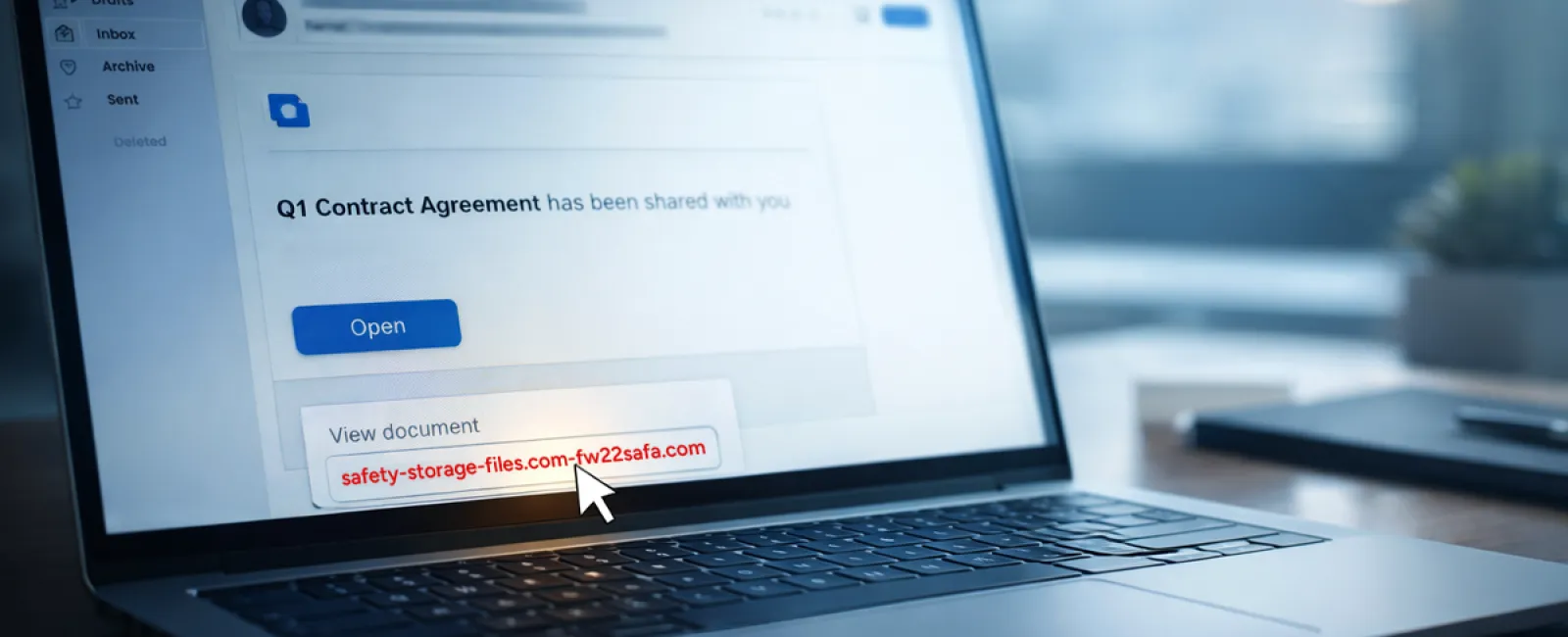
An employee receives an email notifying them of a shared document—often a contract via DocuSign, a spreadsheet in OneDrive, or a Google Drive file.
The sender appears legitimate, and the message formatting is identical to standard notifications.
Clicking prompts a login page where the employee unknowingly inputs their credentials.
Attackers then gain access to your company's cloud environment.
According to KnowBe4's Threat Labs, phishing targeting trusted platforms like Google Drive, DocuSign, Microsoft, and Salesforce surged 67% in 2025, with Google Slides phishing growing over 200% within six months.
Employees are seven times more likely to click malicious links from familiar platforms than from unknown sources because these emails look authentic.
The latest attacks are even more convincing: hackers use compromised accounts to send real notifications from legitimate servers, bypassing spam filters.
Protection Strategy: Train employees not to click unexpected shared file links in emails. Instead, they should log in directly to the platform through a browser to verify authenticity. Limiting external sharing permissions and setting up alerts for unusual login activity can be implemented swiftly by IT to reduce risk.
Simple caution leads to robust security.
Scam #3: Deceptively Polished Phishing Emails
Phishing emails no longer show obvious errors.
A 2025 study revealed AI-crafted phishing emails secure a 54% click rate—more than four times higher than human-written ones at 12%. These messages cite real companies, job titles, and workflows pulled swiftly from public sources.
Attackers now tailor emails to specific departments: HR and payroll receive counterfeit employee verifications; finance teams get fake vendor payment changes. In tests, 72% of employees interacted with vendor impersonation emails—a 90% increase compared to other scams. These messages seem routine, professional, and subtly urgent.
How to Guard Against: Require a secondary verification method—such as a call, chat, or in-person confirmation—before acting on requests involving credentials, payments, or sensitive data. Employees should always hover over email sender addresses to verify domains. Treat urgency in emails as a red flag rather than a reason to hurry.
True security fosters calm vigilance, not panic.
The Bottom Line
These scams exploit trust, authority, timing, and the assumption that "it only takes a second."
The real problem isn't careless behavior—it's systems that expect everyone to catch every threat perfectly under pressure.
If a single rushed click can disrupt your operations, this signals a process flaw, not a personnel issue.
Fortunately, process flaws can be addressed and fixed.
How We Can Support You
Most business owners prefer to avoid managing security training themselves or turning it into a project.
They simply want confidence that their business is shielded from unseen threats.
If you're concerned about your team's exposure—or know someone who should be—we offer straightforward consultations.
Schedule a discovery call to discuss:
- The current cyber risks businesses like yours face
- Common points where threats infiltrate routine work
- Practical approaches to reduce vulnerabilities without hindering workflow
No pressure. No scare tactics. Just an honest conversation to uncover risks and explore solutions.
Click here or give us a call at 630-895-8208 to schedule your free Consult.
Feel free to forward this to anyone who would benefit. Often, recognizing the threat is enough to turn a "would have clicked" into a "won't fall for it."