



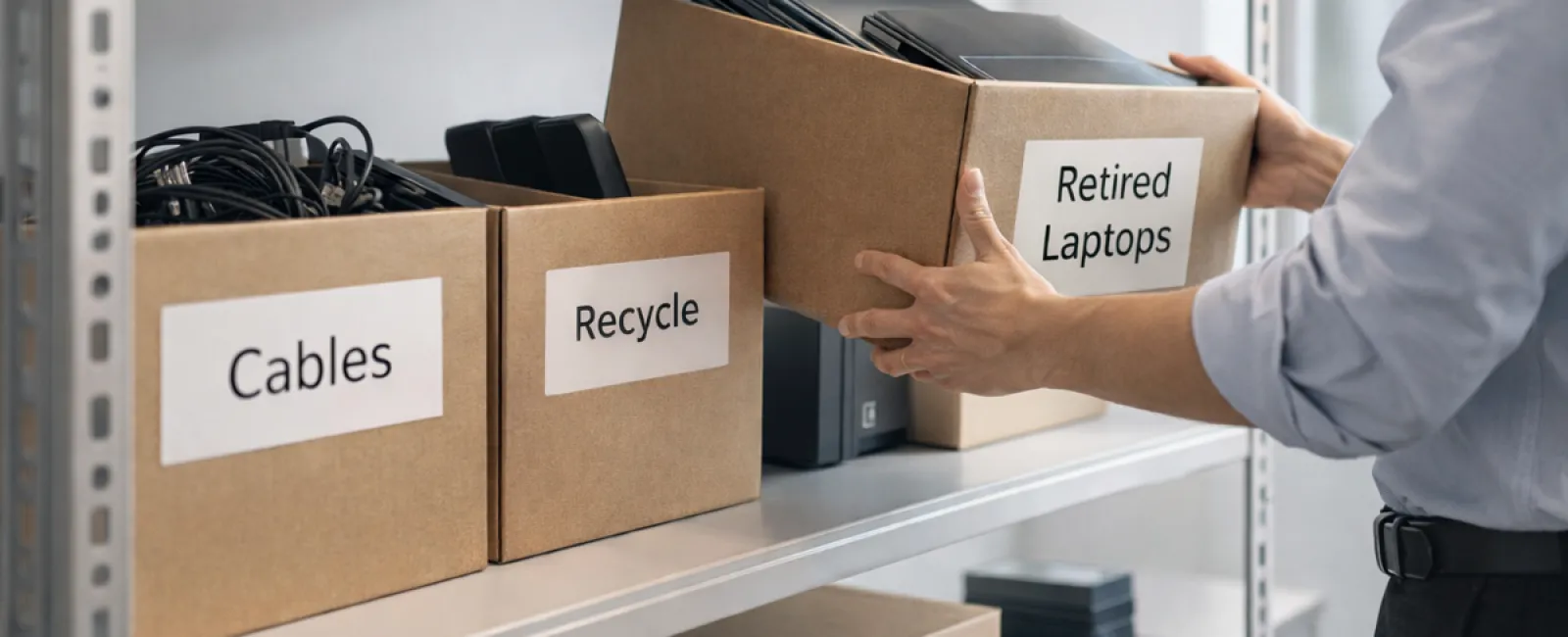
While many associate spring cleaning with organizing closets, the real clutter for most businesses often hides beyond just a server rack.
Your unused equipment might be gathering dust in storage rooms, back offices, or piled under the label "we'll handle this later."
Old laptops, obsolete printers, backup drives from years ago, and tangled cables kept "just in case"—every business ends up with this.
The critical question isn't if this clutter exists, but whether you have a clear plan to manage it effectively.
Technology Lifecycles Extend Beyond Purchase Dates
Purchasing new tech usually has a purpose: faster speeds, enhanced security, better capabilities, or supporting growth.
Most companies strategize their tech acquisitions, but few develop plans for retiring equipment.
Retiring old devices tends to happen quietly: replaced gadgets get put aside until someone finally decides to clear them out.
While this is common, less frequent is approaching tech retirement with the same thoughtfulness as the purchase.
Outdated technology still holds value—whether reusable parts, recyclable materials, or sensitive data stored within. Left unmanaged, it can create operational drag.
Spring is the perfect season to pause and evaluate: which devices still serve us, and which are just occupying space?
An Effective Four-Step Method to Declutter Your Tech
Transform your intentions into action with this straightforward four-step plan.
Step 1: Take Stock
Identify exactly what you plan to retire: laptops, phones, printers, network devices, external drives? You can't manage assets you haven't cataloged, and a thorough review usually uncovers more than expected.
Step 2: Determine Their Next Path
Each device typically fits into one of three categories: reuse (internally or as donations), certified recycling, or destruction (for sensitive data). Making intentional decisions prevents forgotten equipment from lingering indefinitely.
Step 3: Properly Prepare Devices
This step requires careful attention.
For reused or donated tech, remove devices from management systems, revoke access, and ensure thorough data cleansing beyond simple factory resets. Deleted files may still reside where systems no longer track them.
A study by Blancco revealed that 42% of resold drives on eBay contained sensitive information, despite sellers claiming proper wiping. Certified data erasure tools overwrite every sector and provide confirmation reports.
If recycling, choose certified e-waste recyclers instead of disposing in regular trash. Notably, Best Buy's recycling applies only to households, not businesses.
Commercial equipment should be handled by IT asset disposition (ITAD) providers or business-focused recyclers with e-Stewards or R2 certification (directory searches available at e-stewards.org and sustainableelectronics.org). Your IT partner can often assist with coordination.
For destruction, engage certified data wiping services or physical destruction methods like shredding or degaussing, keeping records of serial numbers, methods, dates, and handlers.
This approach isn't paranoia—it's about responsibly closing the lifecycle loop.
Step 4: Document and Proceed
Keep a clear record of equipment's final destination, handling process, and access revocations to eliminate any unresolved questions.
Often Overlooked Devices
Laptops often get attention, but many other devices fly under the radar.
Phones and Tablets might retain email access, contacts, or authentication apps. Factory resets cover most data, but certified mobile wipe tools offer deeper security. Major brands like Apple and Samsung offer trade-in programs for older models, potentially yielding credit towards new purchases.
Modern Printers and Copiers generally contain internal hard drives storing records of everything printed, scanned, or faxed. When returning leased equipment, obtain written confirmation that the hard drive will be wiped or removed before redeployment.
Batteries are classified as hazardous waste by the EPA. Many states prohibit businesses from discarding rechargeable batteries in regular trash. Remove batteries from devices when possible, tape terminals to prevent shorts, and recycle at certified sites. Call2Recycle.org lists drop-off locations, and stores like Staples, Home Depot, and Lowe's accept rechargeable batteries at many branches.
External Drives and Retired Servers often remain stored longer than necessary but should be retired using the same diligent process as other equipment.
Considerations for Responsible Recycling
April's Earth Day serves as a timely reminder: electronic waste demands responsible disposal.
Globally, over 62 million metric tons of e-waste are generated annually, yet only 22% is properly recycled. Components like batteries, monitors, and circuit boards belong in certified e-waste recycling streams widely available in most communities.
Handled appropriately, retiring technology supports operational efficiency, environmental responsibility, and overall business strategy. You don't have to sacrifice security for sustainability—you can achieve both.
This conscientious approach can also enhance your brand's reputation when highlighted—subtly—on your social media platforms. Customers appreciate businesses that act responsibly without excessive fanfare.
Unlocking Broader Advantages
Spring cleaning isn't just about clearing clutter—it's about creating space for growth.
Removing outdated equipment is one piece of the puzzle. Equally important is reflecting on whether your current technology supports your business goals effectively.
Hardware evolves, but productivity and profitability are increasingly driven by software, systems integration, automation, and optimized processes.
Properly retiring old devices promotes organization, while aligning your entire tech stack with business objectives propels you forward.
How We Support You
If your equipment retirement process is already clear and efficient, that's excellent—this is how it should operate: straightforward and habitual.
However, while managing hardware responsibly, consider taking a step back to evaluate your broader technology ecosystem. Are your systems integrated? Are your tools boosting growth or merely maintaining status quo?
If you're open to reviewing how your tech stack, systems, and workflows influence productivity and profitability, we'd welcome the opportunity to chat.
No equipment audits. No pressure. Just practical insights on leveraging technology smarter for your business.
Click here or give us a call at 630-895-8208 to schedule your free Consult.
If this inspired you, please share it with fellow business leaders.
Remember, spring cleaning should extend beyond closets to include the vital systems powering your business.