




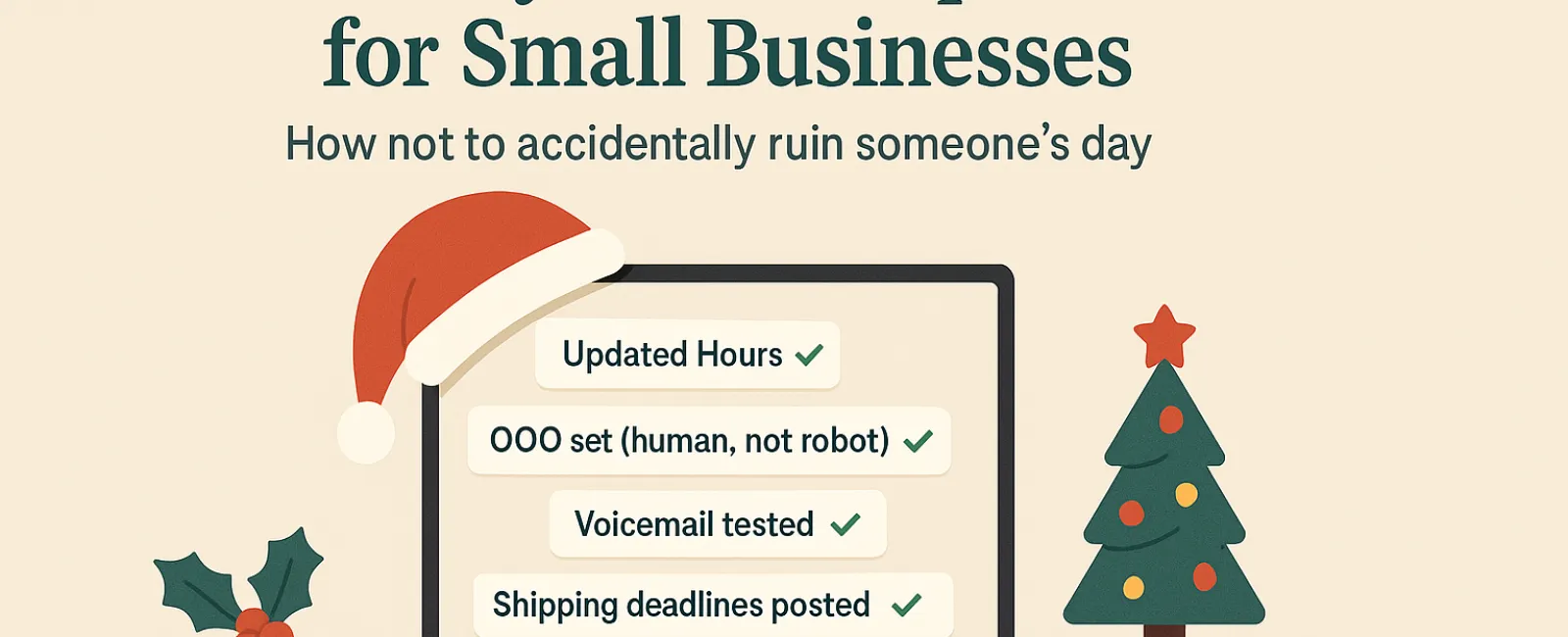
The holiday season can be overwhelming without technology adding to the chaos. Customers are rushing through last-minute tasks, staff are balancing family commitments, and everyone's patience is stretched thin. The last thing you want is to frustrate your customers with technology mishaps that could have been avoided.
Consider this your essential Holiday Tech Etiquette Guide—because nobody wants their business to be the one that spoils someone's day.
1. Update Your Business Hours Online Before Frustration Hits
Imagine a customer rushing to your store on their lunch break, trusting Google's hours, only to find the door locked and the lights off. Congratulations—you've just created a new tale of disappointment.
Where to update:
- Your Google Business Profile—the primary source for customers
- Social platforms like Facebook, Instagram, and Yelp where people look for you
- Your website banner featuring a clear holiday schedule
- Apple Maps—yes, many users rely on it too
Example update: "Happy Holidays! We will be closed from Thursday, Nov. 28 to Sunday, Dec. 1 to enjoy time with family. Regular hours resume Monday morning—probably a bit turkey-hungover but ready to help!"
2. Craft Warm, Genuine Out-of-Office Replies
If you're stepping away, don't leave customers wondering if their message vanished into the void. A well-crafted auto-reply acts like a welcoming concierge—professional yet personable.
Out-of-office message example: "Thanks for reaching out! Our office is closed for Thanksgiving from Nov. 28 to Dec. 1. We'll reply as soon as we're back and recharged. For urgent matters, please call our support line at (XXX) XXX-XXXX. Wishing you a joyful holiday!"
3. Keep "Out Of Office" Messages Concise and Professional
Stick to the essentials. There's no need to share detailed travel plans like Aunt Carol's visit to Denver or Bob's "Friendsgiving potluck."
Oversharing can risk privacy and isn't necessary. Simply share dates, expected response times, and alternative contact info. Save the personal stories for your social media channels.
4. Test Phone Systems Ahead of Time to Avoid Customer Frustration
Holiday callers are often in a rush and stressed. Ensure your voicemail greeting matches your current hours and provides clear instructions, so no one is left confused.
Pro tip: Call your own business number! You'd be amazed how many outdated greetings stay live for years.
Sample voicemail: "You've reached [Business Name]. Our office is closed for the holiday weekend. Please leave a message, and we'll return your call Monday morning. For urgent help, press 1 to reach our on-call team. Happy Holidays, and thank you for your patience!"
5. Clearly Share Shipping Deadlines to Prevent Last-Minute Panic
If your business ships products, communicate order deadlines loudly and early. Display "order by" dates prominently online and send reminder emails to keep customers informed.
Late deliveries frustrate customers; missed expectations can damage relationships. No one wants to explain why their anniversary gift arrived in January.
In Summary: Excellent Holiday Tech Etiquette Builds Happy Customers & Stronger Business
Holiday technology etiquette is simple: set clear expectations, communicate genuinely, and honor your customers' time. With some timely updates, you can reduce frustration and keep your reputation shining bright this season.
Remember: The goal isn't just to avoid issues—it's to make your customers feel truly cared for, even when you're away.
Need help ensuring your systems and customer experience remain smooth and professional this holiday season? Call us at 630-895-8208 or click here to schedule your free Consult. Let's discuss simple strategies to keep your business running seamlessly while you enjoy a well-earned break.