




Spring break often suffers from a bad rap.
Images of college students, dubious choices, and stories that begin with "We thought it was a good idea at the time…" are common.
Yet, adults too frequently make their own spring break errors. They tend to be subtler and usually involve technology mishaps.
You're aiming to fully engage with your family, but work doesn't pause entirely. So you rush tasks, multitask, and tell yourself, "I'll just handle this quickly."
This is often where trouble begins.
Here are the top vacation technology blunders — and how to avoid bringing home unwanted surprises.
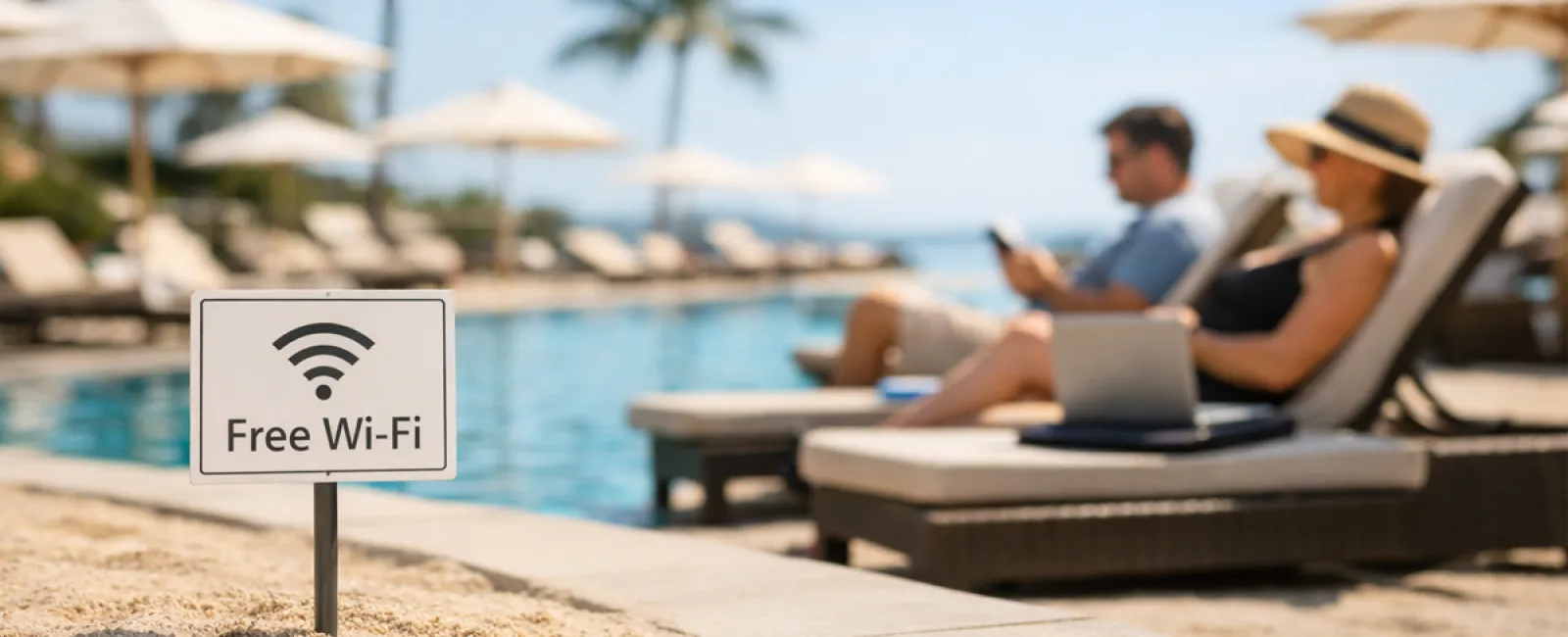
Beware the "Free Wi-Fi Trap"
Hotels, coffee shops, airports all offer Wi-Fi. It feels safe to connect instantly because you just need to shoot off one quick email before the kids finish breakfast.
· The danger: Fraudulent networks named "HOTEL_GUEST_FREE" might be set up by someone nearby to steal your information—logins, passwords, banking details—all accessible to a stranger.
· The solution: Use your mobile hotspot for sensitive activities. If public Wi-Fi is necessary, always confirm the official network's exact name at the front desk.
Avoid the "March Madness Streaming Scam"
The tournament is live. The hotel TV plays golf. So you Google "free March Madness stream" and click the first suspicious-looking link.
After several pop-ups, an unknown file downloads. You're unsure what it is, but the game is streaming!
· The danger: Malware infections, browser hijacks, and fraudulent sites mimicking ESPN to steal your data.
· The solution: Only use official apps and trusted websites. If a URL looks suspicious, close it immediately.
Think Twice Before Sharing Your Phone
Your child is bored, your phone has games, so you hand it over for some quiet time.
But 45 minutes later, they've downloaded multiple apps, accepted every permission, and signed up for questionable services like "RobuxFreeForever."
· The danger: Risky app permissions, linked accounts tied to your email, and surprise in-app charges discovered later.
· The solution: Provide a dedicated device for children's entertainment, one that doesn't connect to your work or financial apps.
Escape the "Quick Login" Trap
One quick email check turns into managing your CRM, accounting software, client portal, and messaging apps.
All on public Wi-Fi, while your family waits.
· The danger: Each login on unsecured networks risks exposing your credentials, especially when hurried.
· The solution: Use your mobile hotspot for work tasks, or consider if it can genuinely wait until you return.
Don't Overshare Your Location
Posting a beach photo with location tags and captions like "Here until the 15th! 🌴"
· The danger: Publicly announcing that your home is unattended and you're miles away.
· The solution: Wait to share vacation photos after you return home. The beach will still look beautiful.
Beware the "Battery Panic" USB Ports
At the airport, your phone's low, and you plug it into a USB port to charge.
· The danger: "Juice jacking"—compromised charging stations that can access your data while charging your device.
· The solution: Carry a portable charger and use your own charging cables and power adapters.
Don't Reuse Easy Vacation Passwords
To access resort Wi-Fi, you quickly create "Beach2026!" and use it for multiple accounts.
· The danger: A single security breach can compromise all your accounts sharing that password.
· The solution: Employ a password manager to generate and store strong, unique passwords for every account.
The Bottom Line
These common errors aren't from recklessness but from being hurried, distracted, and eager to return to vacation mode.
This is perfectly normal.
Your aim shouldn't be flawless tech use but minimizing unexpected "oh no" moments after vacation.
Planning Your Spring Break Trip?
Your company might already enforce sound travel practices—if so, enjoy your getaway.
If some of the above hits home (no judgment), a brief Consult could really make a difference.
No pressure, no gimmicks—just straightforward tips to keep your vacation stress-free.
If this doesn't apply to you, consider sharing it with someone whose spring break tech habits might need improvement.
Click here or give us a call at 630-895-8208 to schedule your free Consult.