




Imagine you're midway through a long holiday drive when your daughter asks, "Can I play Roblox on your work laptop?" This is the very laptop holding your sensitive business files, financial data, and client information. You're tired from packing, still have hours to go, and keeping her busy sounds tempting. But is it really safe?
Traveling during the holidays often exposes your devices to unique security risks. Fatigue, distractions, unfamiliar WiFi networks, and juggling family with work can leave you vulnerable. Whether it's business or leisure, here's how to safeguard your information without spoiling the festive mood.
Pre-Trip Essentials: Quick 15-Minute Security Check
Spend just 15 minutes before hitting the road to secure your devices and data:
Device Prep:
- Update all software and security patches promptly
- Back up crucial files safely to the cloud
- Set your screen to auto-lock within two minutes
- Enable "Find My Device" on all your gadgets
- Fully charge your portable charger
- Bring personal chargers and adapters for convenience
Family Conversations:
- Clarify which devices kids are allowed to use
- Provide a shared tablet or secondary device for entertainment
- Create separate user profiles on work laptops if kids must use them
Pro tip: If your children need screen time during travel, bring a tablet not linked to your work accounts. Investing in an inexpensive device beats risking a costly data breach.
Rethinking Hotel WiFi: Avoid Common Mistakes
Upon arrival, everyone quickly connects to the hotel WiFi—smartphones, laptops, gaming consoles. While your teenager streams shows and your partner checks emails, you're trying to prepare for tomorrow's meeting.
The catch? Hotel networks are public and shared, meaning not every user is trustworthy.
True story: A family unintentionally connected to a fraudulent network disguised as the hotel's WiFi. Over two days, hackers captured everything they typed, from passwords to financial details.
Stay Protected:
Confirm the network name: Always ask the front desk for the exact WiFi name—never guess.
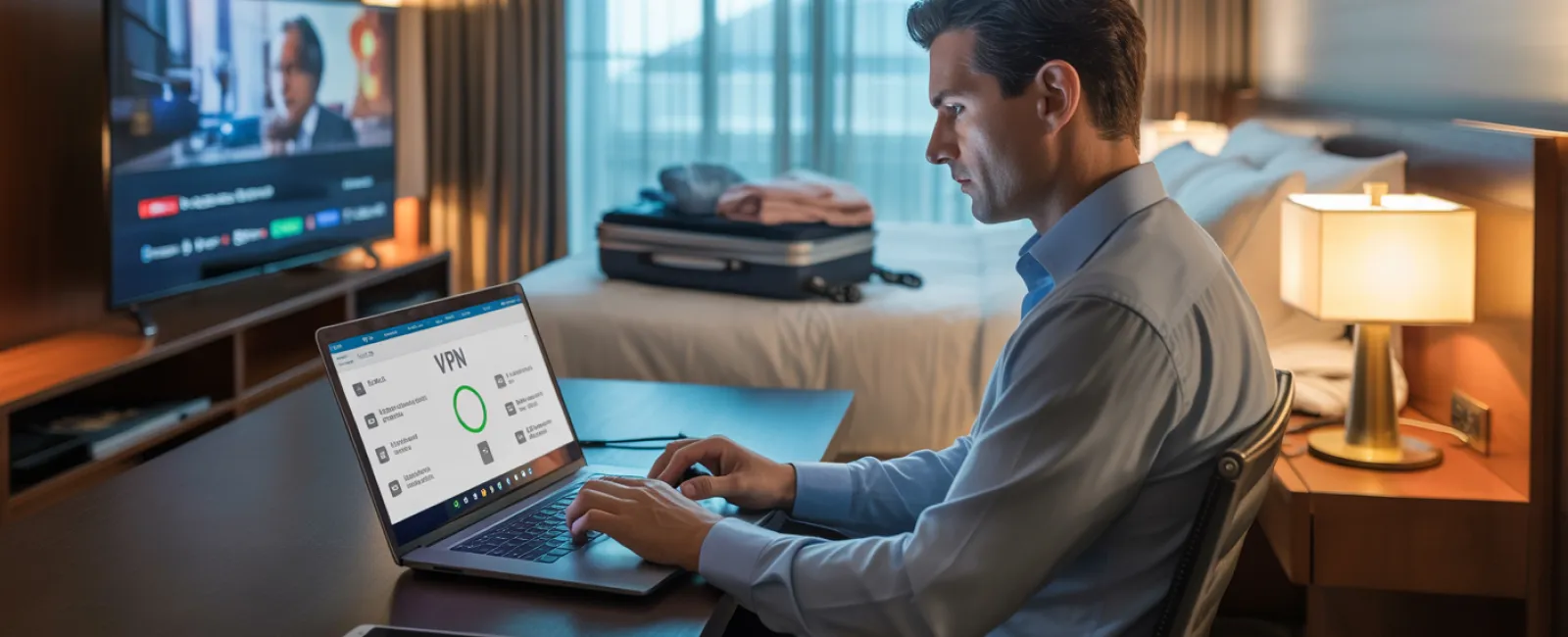
Use a VPN for work: Encrypt your connection when accessing sensitive company information.
Prefer your phone's hotspot for confidential tasks: Use mobile data for banking or client work instead of hotel WiFi.
Separate work from leisure: Kids can stream entertainment over the hotel WiFi, but reserve confidential tasks for your personal hotspot.
The Risks of Sharing Your Work Laptop
Your work computer stores invaluable information—emails, financial accounts, client data. Kids may want to watch videos or play games on it.
Why this is risky: Children can unknowingly download malicious software, click unsafe links, share passwords, or fail to log out. While innocent, these actions threaten your device's security.
How to handle it:
Politely refuse the work laptop: Consistently enforce that work devices aren't for casual use. Offer a different device instead.
If sharing is necessary:
- Set up a restricted user account
- Monitor their activities closely
- Block downloading permissions
- Ensure passwords aren't saved
- Clear browser history promptly
Best practice: Carry a designated family device during travel—an older tablet or laptop unlinked from work accounts works perfectly.
Handling Streaming on Hotel TVs: Remember to Log Out
Your family enjoys Netflix streaming through the hotel's smart TV. However, forgetting to log out after checkout can expose your accounts to the next guest.
The consequences: The following guest gains access to your streaming services. If you reuse passwords elsewhere, this can escalate into broader security problems.
Tips to avoid issues:
- Use your device to cast content instead of logging into the TV
- Set reminders to log out before departure if logging in directly
- Download movies or shows to your devices before traveling to avoid hotel TVs entirely
Never log into these apps on hotel TVs:
- Banking applications
- Work-related accounts
- Email services
- Social media platforms
- Any service with saved payment details
Lost Device? Take Immediate Action
Holiday chaos can lead to misplaced devices in hotels, rental cars, or airports. If your device disappears:
Within the first hour:
- Use "Find My Device" to locate it
- Lock it remotely if recovery isn't immediate
- Change critical account passwords from another device
- Notify your IT support to revoke company access
- Inform relevant parties if sensitive data was stored
Before you travel, ensure your device has:
- Remote tracking enabled
- Strong password protection
- Automatic encryption of stored data
- Ability to wipe data remotely
If a family member loses their device, follow these same steps immediately.
Beware of Rental Car Data Storage
Connecting your phone to a rental car's Bluetooth often saves sensitive data such as contacts, call history, and message previews. This information may remain accessible to subsequent drivers.
Quick fixes before returning the car:
- Remove your phone from the car's Bluetooth settings
- Delete recent GPS destinations
- Alternatively, avoid Bluetooth by using an aux cable or no connection at all
Balancing Work and Vacation: Set Clear Boundaries
It's tempting to sneak in emails and calls during family trips, but this distracts you and raises security risks like clicking unsafe links or using unsecured networks.
Smart boundaries include:
- Limiting work email checks to two set times daily
- Using your phone's hotspot instead of hotel WiFi for work tasks
- Working in private hotel rooms rather than public areas
- Fully engaging with family when not working
Ultimately, the best security is actually taking time off. Your business won't fall apart in a week, and you'll return more focused and alert.
Adopt a Security-Focused Holiday Mindset
The reality is that work and family often mix during the holidays. Sometimes your child really does need your laptop; sometimes you must check urgent emails on the go. The goal isn't perfection, but smart risk management:
- Prepare your devices before traveling
- Distinguish high-risk activities (banking on hotel WiFi) from safer options (using your hotspot)
- Create clear boundaries between work and family device use
- Have contingency plans if things go wrong
- Know when to say "Not on this device" — and stick to it
Create Lasting Happy Memories, Not Security Nightmares
The holidays are meant for joy and connection, not for stressful data breaches or client emergencies due to lost information.
With thoughtful preparation and a few simple habits, you can keep your business secure while your family enjoys a stress-free vacation. Everyone wins.
Need expert guidance crafting travel security protocols for your team and yourself? Click here or call us at 630-895-8208 to schedule your free Consult. We'll design practical policies that secure your business without hindering your travel plans.
Because the holidays should never be remembered as "That time Dad's laptop got hacked."